
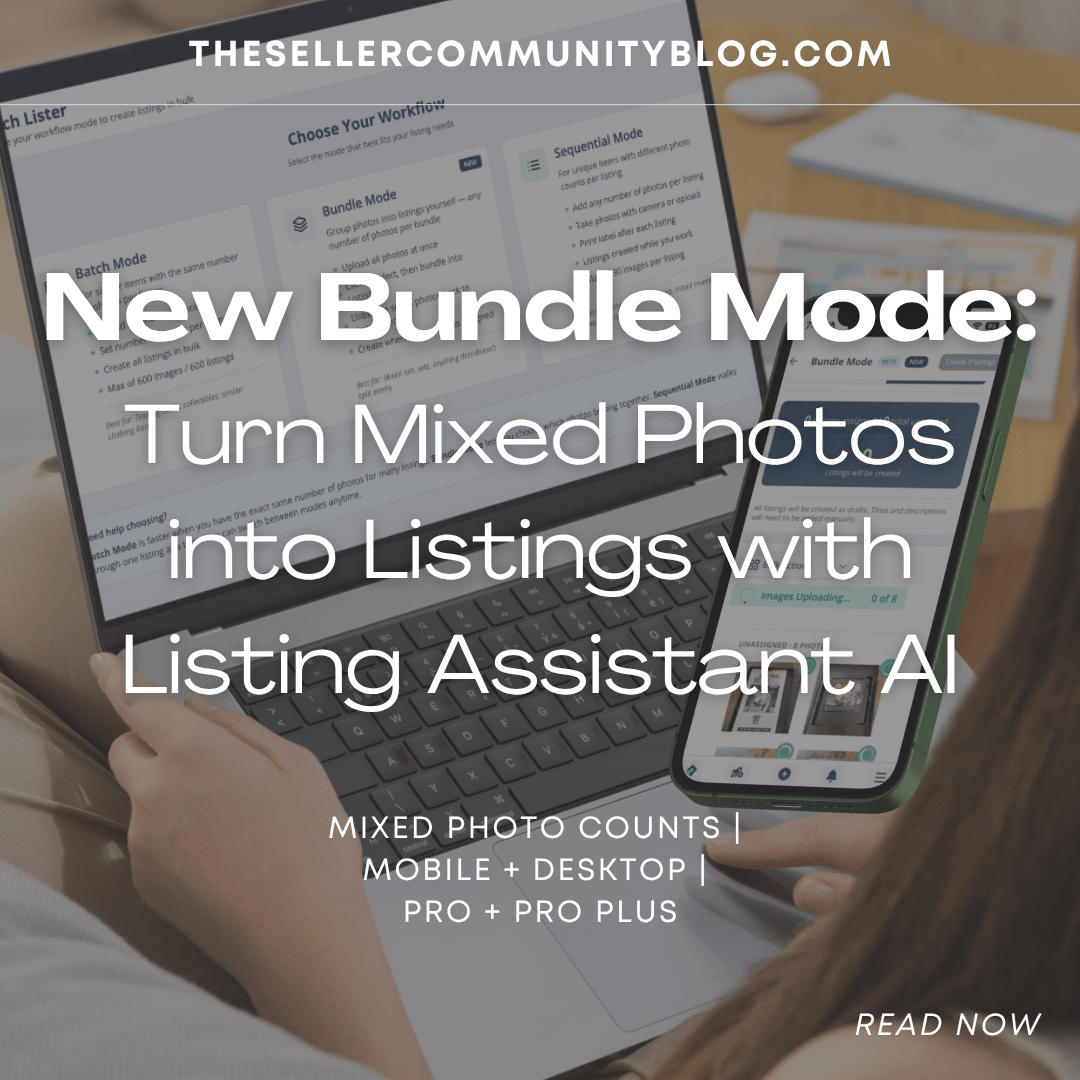

Not every reseller takes the same number of photos for every item. Jewelry may only need a few close-up photos. Tennis shoes may need more angles. Cards may need front, back, and condition details. Clothing, one of the most popular categories on List Perfectly, may need several photos depending on the item. That is exactly why List Perfectly added Bundle Mode.
Bundle Mode is a new option in Batch Lister built for resellers who have a mix of items and each item may need a different number of photos.
You can upload everything at once, group your photos into listings of any size, and use Listing Assistant AI to help turn those photo groups into listings.
Bundle Mode works from your laptop or desktop. It also works on List Perfectly Mobile from your Android phone, iPhone, iPad, or tablet using any browser.
So whether your photos are already on your phone after a photo session, saved inside List Perfectly Mobile, or uploaded from your computer, Bundle Mode gives you a simple way to organize mixed photos into listings.
Watch the Bundle Mode demo here:
https://www.youtube.com/watch?v=eHzCRy63kC0
What Is Bundle Mode?
Bundle Mode is a List Perfectly tool that helps resellers choose which photos should be used for each listing before Listing Assistant AI creates the listing.
Instead of needing every item to have the same photo count, Bundle Mode lets you group the images based on what each listing needs.
One listing can have 3 photos. Another can have 8. Another can have 12.
You can also use the same photo in more than one listing when that makes sense for your workflow.
Bundle Mode gives resellers more control over how photos are grouped so Listing Assistant AI has the right images for each listing.
How Bundle Mode Is Different From Batch Mode and Sequential Mode
Listing Assistant AI gives resellers different ways to create listings.
Batch Mode is helpful when each item has the same number of photos.
Sequential Mode works well when you want to create listings one after another.
The new Bundle Mode is different because it is designed for mixed photo counts.
You can upload a group of photos, then decide which photos belong to each listing. That makes Bundle Mode a great fit when you are listing different types of inventory or when each item needs its own number of photos.
It helps you give Listing Assistant AI the right photos for each item, so the AI can create better listing content from the correct image group.

Bundle Mode Works on Laptop, Desktop, and List Perfectly Mobile
Bundle Mode is versatile because you can use it from the device that fits your listing process.
You can use Bundle Mode from your laptop or desktop when you want a larger screen and faster photo grouping.
You can also use Bundle Mode from List Perfectly Mobile on your Android phone, iPhone, iPad, or tablet using any browser.
Some resellers take item photos directly from their phone. Others use List Perfectly Mobile to store listing photos without taking up phone memory. Either way, those photos can be ready to use when it is time to create listings.
With Bundle Mode, you can upload photos, group them into listings of any size, add a photo if needed, and keep editing.
On desktop or laptop, you can select a group of photos, bundle them into a listing, and use Add Here if you need to add another photo to that group.
On List Perfectly Mobile, you can tap the photos that belong to one item, tap Bundle, and use Add Here if you missed a photo.
Upload the photos, group each listing, and let Listing Assistant AI help create the listings.
Bundle Mode and Listing Assistant AI Work Together
Bundle Mode groups the photos.
Listing Assistant AI turns those grouped photos into listings.
Bundle Mode also helps when you want to use the same photo for more than one listing, or when each listing needs a different number of photos.
That gives resellers more control over the photo groups before Listing Assistant AI creates each listing.
Use Bundle Mode for Photos You Just Took or Photos You Already Have
Use Bundle Mode after a new photo session, when photos are already on your phone, or when you are catching up on inventory you photographed earlier.
It is especially useful when you have photos ready, but the items do not all need the same number of images.
Bundle Mode helps you turn those photo groups into listings without starting every listing from scratch.

Why Resellers Should Test Bundle Mode
Bundle Mode is most useful for resellers who:
- Have mixed inventory
- Need different numbers of photos for different listings
- Want to use the same image on more than one listing when needed
- Want Listing Assistant AI to create listings from the right photo groups
- Want more flexibility when turning photos into listings
Bundle Mode gives resellers another way to create listings without forcing every item into the same photo setup.
That makes photo sessions more flexible because resellers do not have to choose or edit the same number of pictures for every listing.
A New List Perfectly Tool With No Price Changes
List Perfectly keeps adding new tools for resellers without raising plan prices.
Bundle Mode is included on Pro and Pro Plus all tiers.
It is another practical tool built to help resellers turn photos into listings with Listing Assistant AI.
Try List Perfectly With 100 Free Listings
New users can try List Perfectly with 100 free listings and a money-back guarantee.
That gives you a way to test List Perfectly, try Listing Assistant AI, and see how Bundle Mode fits your listing process before fully committing.
For more tips on how to use your 100 free listings, read:
https://listperfectly.com/selling/boost-your-sales-with-100-free-listings-using-list-perfectlys-listing-assistant/
Final Thoughts
Bundle Mode gives resellers a simple way to turn mixed photos into listings with Listing Assistant AI.
Use it when every listing does not need the same number of photos.
Use it when you want to use the same photo in more than one listing.
Use it from List Perfectly Mobile on your Android phone, iPhone, iPad, or tablet using any browser.
Use it from your laptop or desktop.
Upload everything at once. Group your photos into listings of any size. Add missed photos if needed. Then use Listing Assistant AI to help create the listings.
That is why Bundle Mode is such a helpful new tool for resellers.
Watch the Bundle Mode demo here:
https://www.youtube.com/watch?v=eHzCRy63kC0
Ready to try it? Visit https://listperfectly.com/ and use code LP30 at checkout to get 30% off any plan on your first month.
Join the community:
Free Facebook Group: https://www.facebook.com/groups/listperfectly
Follow us on Facebook: https://www.facebook.com/ListPerfectly/
Follow us on Instagram: https://www.instagram.com/listperfectlyinc/
Blog: https://listperfectly.com/blog/