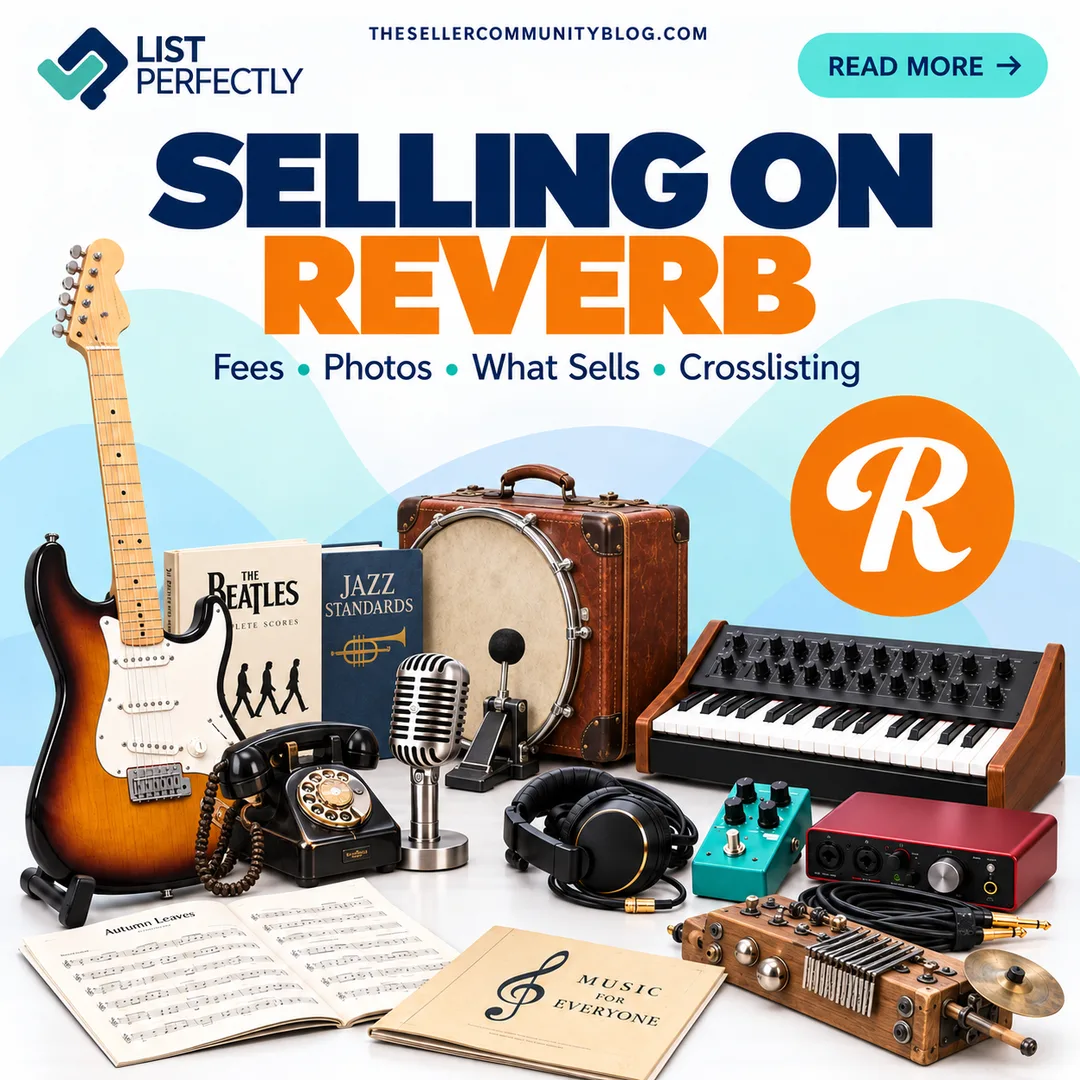

Selling on Reverb gives resellers access to a marketplace built around much more than guitars and musical instruments.
You can find pedals, microphones, synthesizers, recording equipment, DJ gear, home audio, parts, accessories, handmade and custom-built instruments, music books and instructional materials, vintage electronics, collectibles, and some genuinely unusual gear.
And this is not a tiny marketplace.
The latest reliable public figures show that Reverb had 785,000 active buyers and 221,000 active sellers at the end of 2024, with approximately $917.9 million in gross merchandise sales during 2024. Nearly 80% of Reverb’s GMS came from used musical instruments, making the marketplace especially relevant for resale.
That means you may already be sourcing inventory that could belong on Reverb, even if you have never considered yourself a music-gear reseller.
Before listing or crosslisting, however, there are some important marketplace-specific standards to follow, especially around photos, fees, prohibited items, and listing requirements.
What Is Reverb?
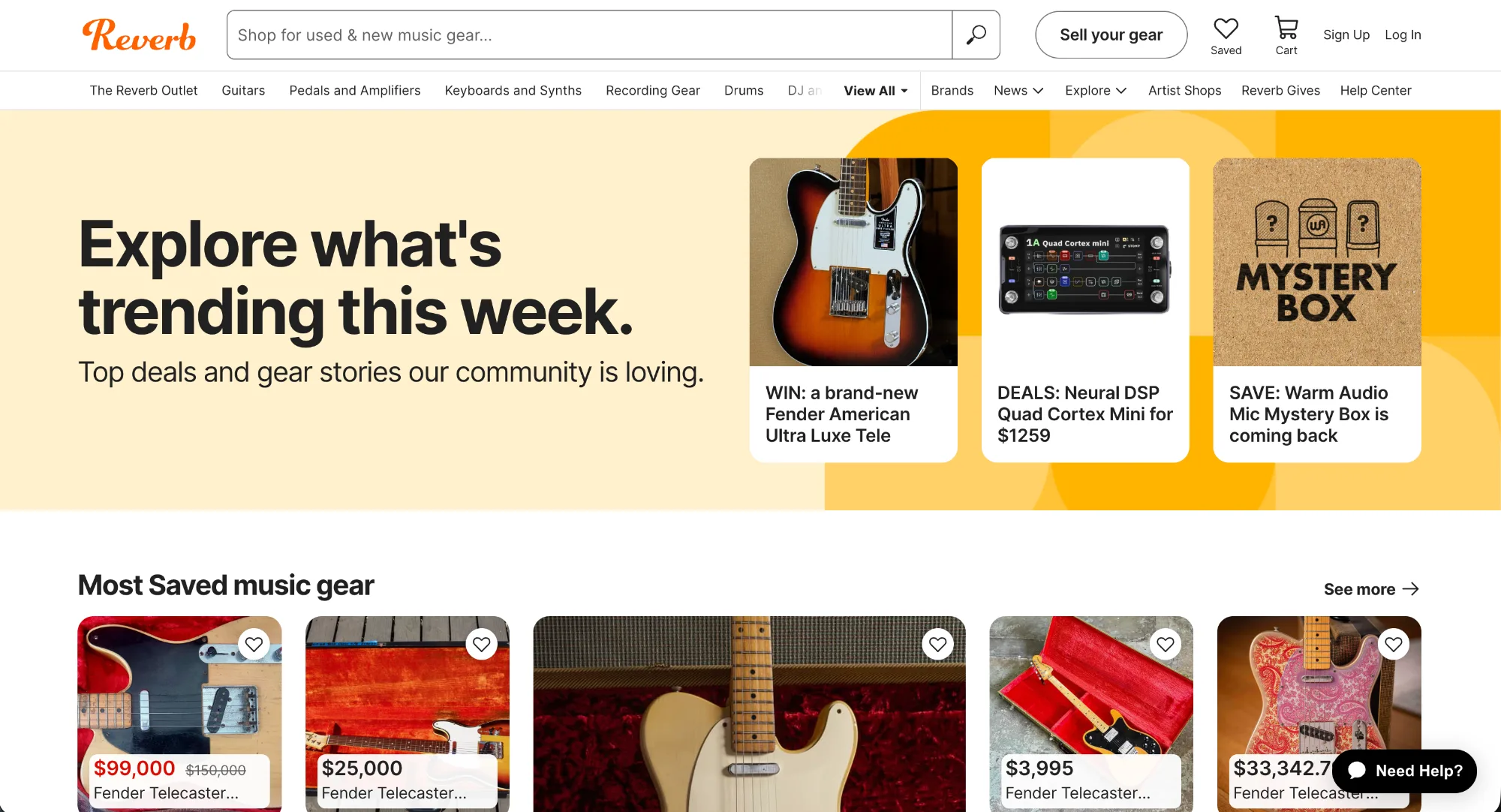
Reverb is an online marketplace for musical instruments, audio equipment, music gear, parts, accessories, home audio, and other music-related inventory.
Reverb sellers range from individual sellers and collectors to local music stores, professional dealers, manufacturers, major music brands, and independent builders.
Used inventory is a major part of the marketplace, but Reverb is not limited to secondhand name-brand gear. Sellers can also list handmade and custom-built instruments, replacement parts, accessories, recording equipment, vintage audio, and other specialized inventory.
Reverb even has a Music Books and DVDs category with instructional books, songbooks, music methods, catalogs, magazines, and similar material.
Reverb also offers its Reverb Price Guide, which contains more than 240,000 products and uses sold-listing data and condition to help buyers and sellers research what comparable gear has sold over time.
For resellers sourcing unfamiliar inventory, the Reverb Price Guide can be much more useful than relying mainly on Google prices.
Reverb Photo Requirements
Before crosslisting an existing listing to Reverb, check the photos first.
Reverb does not want to see:
- Screenshots, including screenshots of your own photos
- Collages
- Placeholder images
- Images copied from another source
- Unrelated photos
- Added text
- Borders
- Manufacturer logos added to images
- Distracting graphics or alterations
Individuals selling gear must generally use original photos of the exact item in its current condition. Authorized dealers have limited exceptions for manufacturer stock images.
That is important because a photo that works on another marketplace may not automatically meet Reverb’s standards.
Reverb currently allows up to 25 photos per listing. Images should be at least 620 × 620 pixels and no larger than 1600 × 1600 pixels.
For used or unique items, show:
- The entire item
- Multiple angles
- Important details
- Scratches and wear
- Damage
- Modifications
- Serial numbers and identifying information when appropriate
Reverb recommends well-lit, focused photos and a simple background. It also square-crops photos across the website, app, and when images are pushed to search engines, so considering the square crop can help you control how the item appears.
Crosslisting tip: When you crosslist to Reverb with List Perfectly, your images are automatically converted to Reverb’s required size. If you’re creating the listing directly in Reverb, you’ll need to make sure your images meet Reverb’s size requirements yourself.
For the marketplace’s current image rules, review Reverb’s official Listing Standards: Images and tips for taking good photos of your gear.
What Sells on Reverb?
Guitars are an obvious Reverb category, but the marketplace goes much further.
Common inventory includes:
- Guitars and basses
- Effects and pedals
- Amplifiers
- Keyboards and synthesizers
- Drums and percussion
- Microphones
- Pro audio and recording equipment
- DJ and lighting equipment
- Band and orchestra instruments
- Folk instruments
- Home audio
- Parts
- Accessories
- Music books and instructional materials
- Handmade and custom-built instruments
For resellers, that can translate into microphones, mixers, audio interfaces, studio equipment, tuners, pickups, replacement speakers, cables, cases, strings, stands, tools, instrument parts, vintage audio, and other items you may already encounter while sourcing.
And Reverb can get weird
This is where Reverb becomes particularly interesting for resellers.
Reverb has featured unusual inventory such as:
- Suitcases converted into kick drums
- Old telephones converted into microphones
- Stroh violins with horn-style amplification
- Eight-string Hardanger fiddles
- 12-string touch guitars
- Double-sided guitar and bass combinations
- Experimental handmade instruments
- Unusual fiberglass drum kits
- Rare vintage synthesizers
- One-of-a-kind custom instruments
The point is not that you should start hunting for suitcase drums tomorrow.
It is that you do not have to specialize in guitars to find something worth researching on Reverb.
If you come across unusual audio equipment, instrument parts, custom-built gear, vintage electronics, recording devices, percussion, old music books, or something you cannot immediately identify while sourcing, checking Reverb may be worth the extra step.
Reverb Selling Fees
Reverb’s fee structure is relatively straightforward.
For U.S. sellers:
| Fee | Current U.S. Rate |
|---|---|
| Listing fee | $0 |
| Selling fee | 5% |
| Minimum selling fee | $0.50 |
| Maximum selling fee | $500 |
| Standard Reverb Payments processing | 3.19% + $0.49 |
| Preferred Seller payment processing | 2.99% + $0.49 |
Reverb’s selling fee is 5% of the total sale amount, including shipping. Payment processing is separate and is calculated on the order total, including shipping and applicable sales tax.
Example: $500 order total
If the amount subject to these basic fees were exactly $500:
| Calculation | Amount |
|---|---|
| Order total | $500.00 |
| 5% Reverb selling fee | -$25.00 |
| 3.19% processing fee | -$15.95 |
| Fixed processing fee | -$0.49 |
| Remaining after these basic fees | $458.56 |
Because marketplace fees can change, check Reverb’s official seller fee information for the current rates and any additional charges that may apply.
Prohibited and Restricted Items on Reverb
Reverb has broad inventory categories, but not everything connected to music can be sold there.
Some of the rules may surprise experienced resellers.
Reverb prohibits or restricts items including:
- General consumer electronics such as standalone laptops, phones, tablets, televisions, and standard cameras
- Vinyl records
- CDs
- Cassettes
- Digital recordings
- Unauthorized software and certain digital-only products
- Trademark- or copyright-infringing items
- Certain prohibited materials, including ivory and tortoiseshell
- Services
- Want ads
One useful distinction: Reverb sells music books and DVDs, but recorded music itself (including vinyl, CDs, cassettes, and digital recordings) is prohibited.
Reverb also regulates how sellers list inventory.
Duplicate listings for the same physical item are prohibited. Sellers also cannot repeatedly Delist and Relist the same item simply to regain exposure, artificially increase a price to manufacture a price drop, or use unrealistic pricing primarily to drive traffic.
These differences matter for multichannel sellers because a listing practice that works on one marketplace should not automatically be assumed to work on another.
Before listing inventory that may fall into a restricted category, review Reverb’s official Listing Standards and Listing Standards: Prohibited Items and Actions.
We’ll go much deeper into the less obvious products and listing practices in our dedicated Reverb Prohibited and Restricted Items guide.
How to Crosslist to and from Reverb with List Perfectly
Adding Reverb does not mean recreating an existing listing from scratch.
With List Perfectly, you can crosslist eligible inventory to Reverb from your List Perfectly Catalog or directly from another supported marketplace.
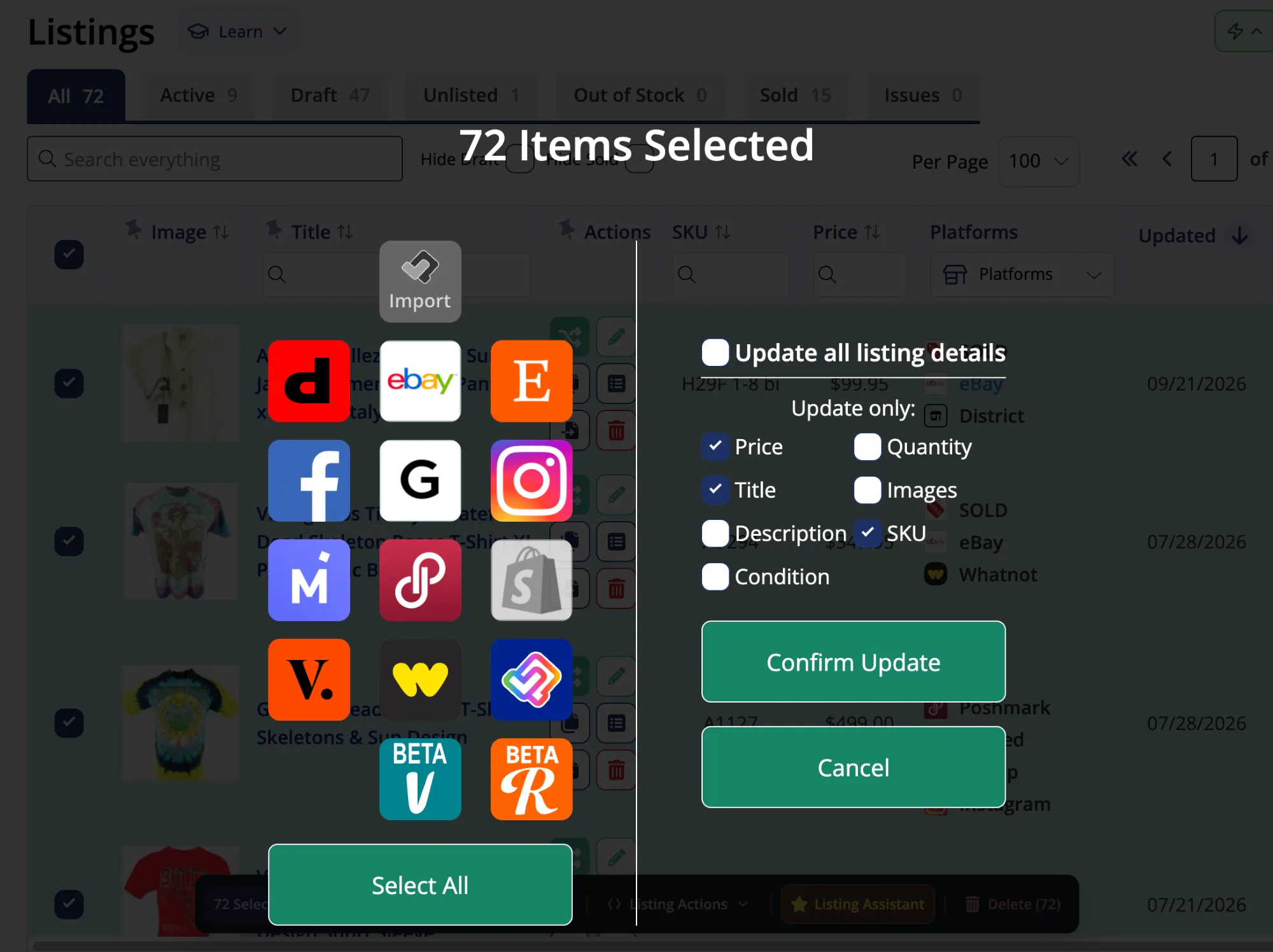
You can also go the other direction and crosslist inventory from Reverb to other supported marketplaces.
And for marketplace-to-marketplace crosslisting, you do not need to import the listing into your List Perfectly Catalog first.
Already selling on Reverb and ready to expand beyond Reverb?
Maybe Reverb is working for you, but you want your inventory in front of buyers on other marketplaces too.
If you have Reverb listings that also make sense for Etsy, you do not have to start those listings over from scratch.
See how to crosslist directly from Reverb to Etsy with List Perfectly.
Already selling on eBay and want to add Reverb?
Maybe the inventory is already live. The photos are done. The description is written. The listing work already happened.
You can take eligible eBay listings directly to Reverb instead of rebuilding them just to test another marketplace.
See marketplace-to-marketplace crosslisting from eBay to Reverb.
Have inventory on Etsy that belongs on Reverb too?
Etsy sellers may already have handmade instruments, music accessories, vintage gear, parts, or other inventory that could reach a different audience on Reverb.
You can crosslist those eligible Etsy listings directly to Reverb without first moving them into the List Perfectly Catalog.
See how to crosslist from Etsy to Reverb.
Want List Perfectly at the center of your inventory workflow?
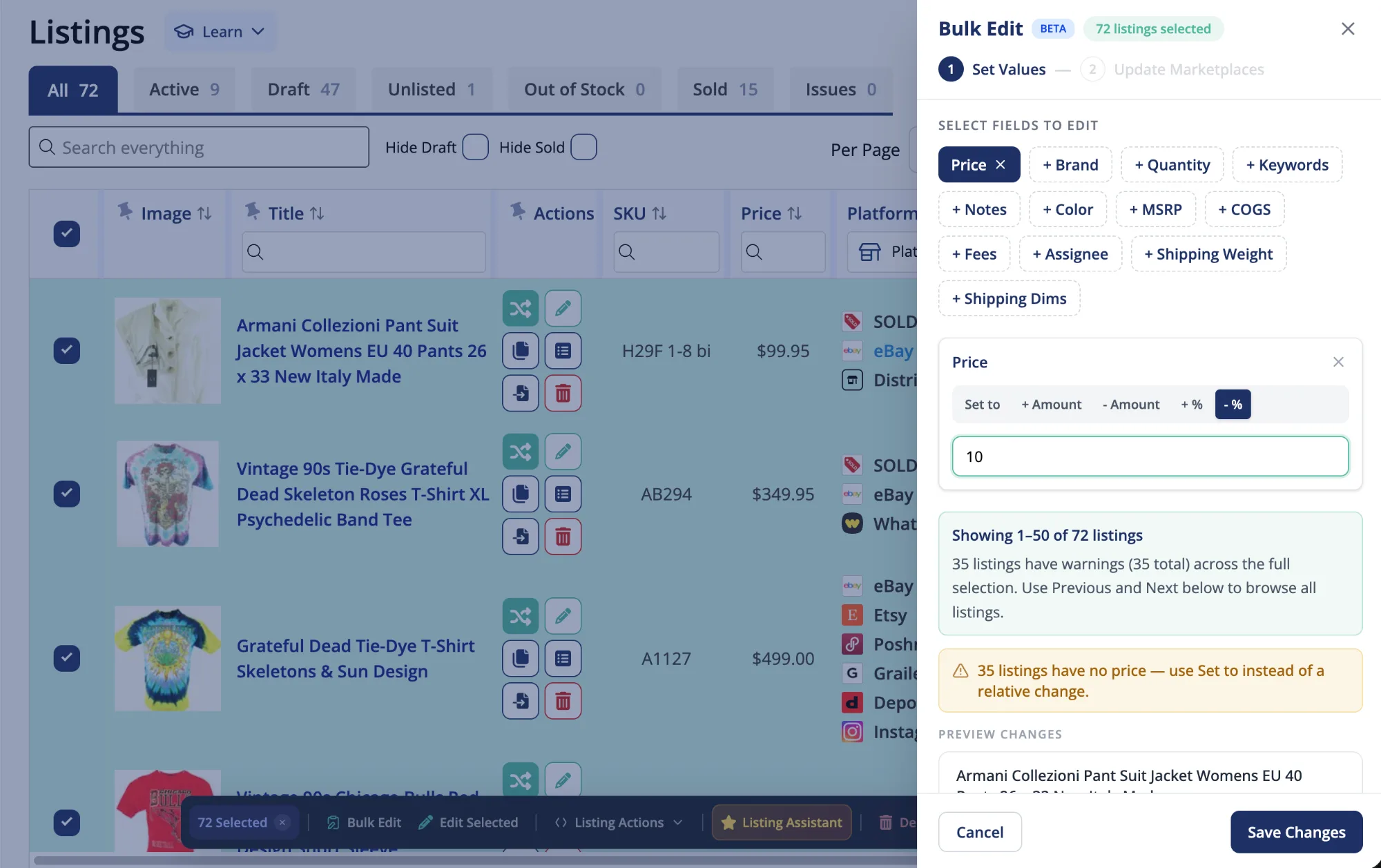
If you manage inventory in your List Perfectly Catalog, Reverb can become another marketplace in that workflow.
Select the eligible inventory you want to expand and crosslist it from your Catalog to Reverb, then review any Reverb-specific information before publishing.
See how to crosslist from the List Perfectly Catalog to Reverb.
Whether you are looking to expand into Reverb, grow beyond Reverb, or manage more of your inventory through List Perfectly, you have more than one way to get there.
Reverb FAQ
Reverb is known for guitars, but sellers also list effects and pedals, amplifiers, synthesizers, drums, microphones, recording equipment, DJ gear, home audio, parts, accessories, band and orchestra instruments, handmade gear, music books, and other music-related inventory.
U.S. sellers currently pay a 5% selling fee plus a 3.19% + $0.49 Reverb Payments processing fee. Preferred Sellers currently pay 2.99% + $0.49 for payment processing. Check Reverb’s official seller fee information for current rates.
Reverb says listing photos should be at least 620 × 620 pixels and no larger than 1600 × 1600 pixels. Sellers can include up to 25 photos per listing. See Reverb’s current image standards for the marketplace’s full photo rules.
Yes. When you crosslist to Reverb with List Perfectly, your images are automatically converted to Reverb’s required size. If you create the listing natively on Reverb, you need to make sure your images meet Reverb’s image requirements.
No. Reverb prohibits screenshots, including screenshots of your own original photos. Sellers should upload the original image file instead.
No. Reverb prohibits recorded music, including vinyl records, CDs, cassettes, and digital recordings.
Yes. Reverb has a Music Books and DVDs category that includes instructional books, songbooks, methods, music catalogs, and other music-related publications.
Yes. List Perfectly supports direct marketplace-to-marketplace crosslisting, so eligible inventory can be crosslisted from marketplaces such as eBay or Etsy to Reverb without first importing the listing into the List Perfectly Catalog.
No. Reverb prohibits duplicate listings for the same physical item. Check Reverb’s current Listing Standards before listing or relisting inventory.