
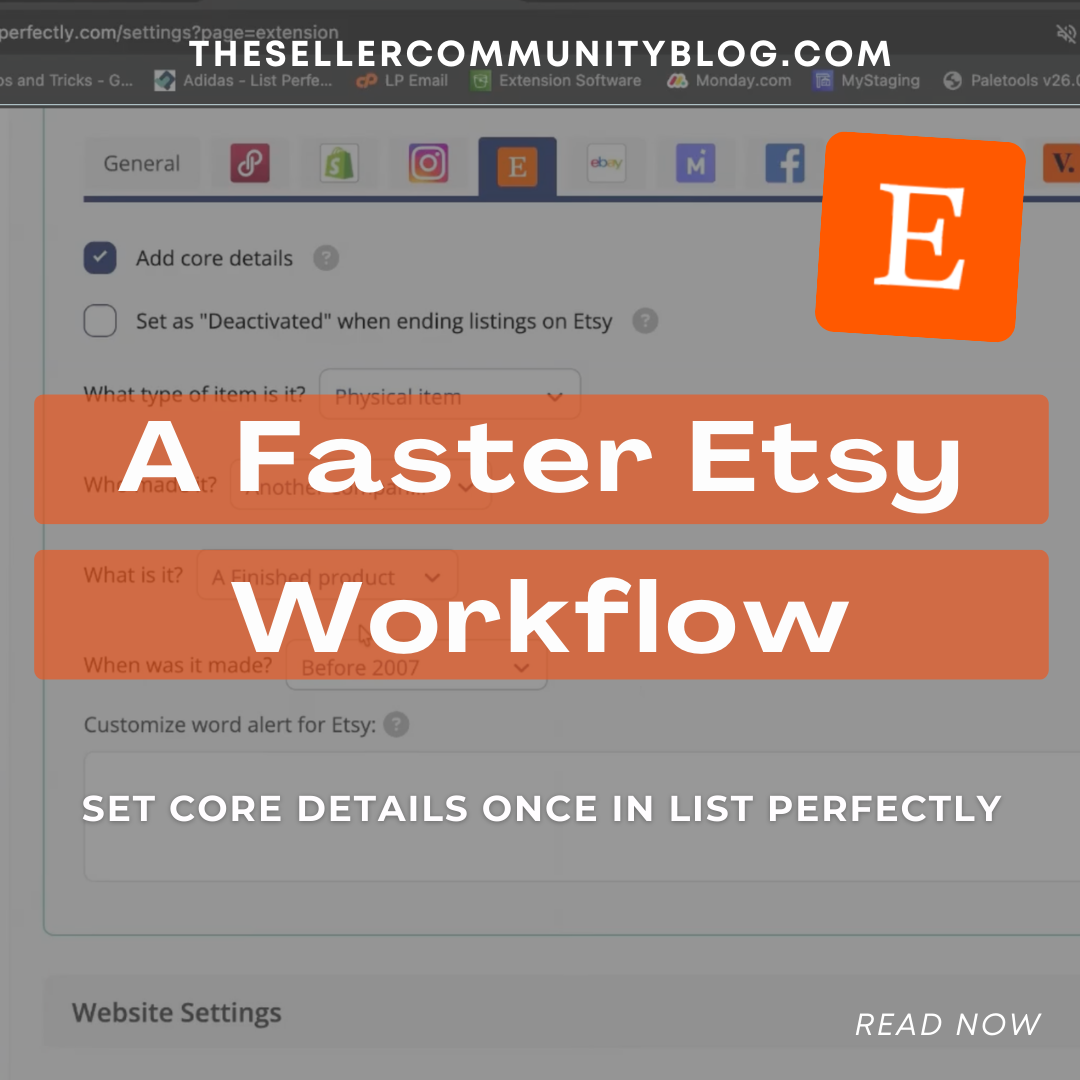

Etsy requires sellers to complete several core listing details before publishing a listing. These required fields help Etsy classify products correctly and determine whether items meet marketplace requirements.
When creating an Etsy listing, sellers must define details such as who made the item, what the item is, and when it was made, which are part of Etsy’s core listing structure. (Etsy Help)
For sellers who crosslist inventory from other marketplaces, selecting these required fields repeatedly can slow down the listing process.
List Perfectly simplifies this step by allowing sellers to customize or set Etsy core details once inside the List Perfectly extension. When items are crosslisted to Etsy, those selections are automatically applied according to the settings chosen in List Perfectly.
This creates a faster and consistent crosslisting workflow.
Why Etsy Requires Core Listing Details
Etsy uses core listing fields to understand how an item fits within the marketplace and whether it meets Etsy’s policies.
These fields typically include:
- Item type (physical or digital)
• Who made the item
• When the item was made
• Whether the item is a finished product, supply, or tool
These selections help Etsy determine whether a product qualifies for the platform’s categories such as handmade, vintage, or craft supplies.
Without these details, Etsy will not allow a listing to be published.

Set Etsy Core Details Once in List Perfectly
List Perfectly includes an Etsy Extension Setting called Add Core Details.
This feature allows sellers to configure their preferred selections once.
After these settings are saved, List Perfectly automatically applies them when a listing is crosslisted to Etsy.
The workflow becomes simple:
- Configure your Etsy core details in List Perfectly
- Crosslist items to Etsy from the LP catalog
- List Perfectly automatically applies the saved core details
The required fields are still present in Etsy, but they are filled according to the settings you selected.

A More Efficient Crosslisting Workflow
Small workflow improvements can make a big difference for sellers managing multiple marketplaces.
Setting Etsy core details once inside List Perfectly helps sellers:
- Crosslist inventory faster
• Reduce repetitive setup
• Avoid common listing errors
• Maintain consistent listing configurations
This allows sellers to focus on reviewing listings, selecting the correct category, and publishing items instead of repeatedly configuring required fields.
Watch the Demo
This short demo shows how to configure Etsy core details inside List Perfectly and how those selections are automatically applied when crosslisting.
Selling on Etsy Requires Compliance
Etsy has specific marketplace policies that sellers must follow, including restrictions on certain items and requirements around how products are categorized.
Understanding what can and cannot be sold is important for maintaining a healthy shop.
Read more here:
Prohibited Items on Marketplaces
https://listperfectly.com/tips/prohibited-items-marketplaces-2025/
Selling Digital Products on Etsy
Many sellers crosslist both physical and digital products to Etsy. If you sell downloadable items, understanding Etsy’s digital product structure is important for configuring your listings correctly.
Learn more here:
Selling Digital Items on Etsy
https://listperfectly.com/selling/selling-digital-items-on-etsy/
Final Thoughts
Etsy’s required listing details help the marketplace categorize items correctly and maintain its handmade, vintage, and craft-focused marketplace structure.
By configuring Etsy core details once in List Perfectly, resellers can streamline the crosslisting process while keeping their listings aligned with Etsy’s requirements.
For resellers managing inventory across multiple marketplaces, crosslisting workflow improvements like this can save time and reduce repetitive listing tasks.
FAQ
What are Etsy core details?
Etsy core details are required listing fields that describe how an item was made, who made it, and when it was produced. These fields help Etsy categorize listings and ensure products meet marketplace requirements. (Etsy Help)
Can Etsy core details be saved directly on Etsy?
Etsy requires these details for each listing. Tools like List Perfectly allow sellers to configure these fields once so they can be automatically applied during crosslisting.
Is this a new List Perfectly feature?
No. Etsy core details settings have been part of the List Perfectly extension for a long time. Etsy sellers set this feature once to save time when optimizing their Etsy crosslisting workflow.