
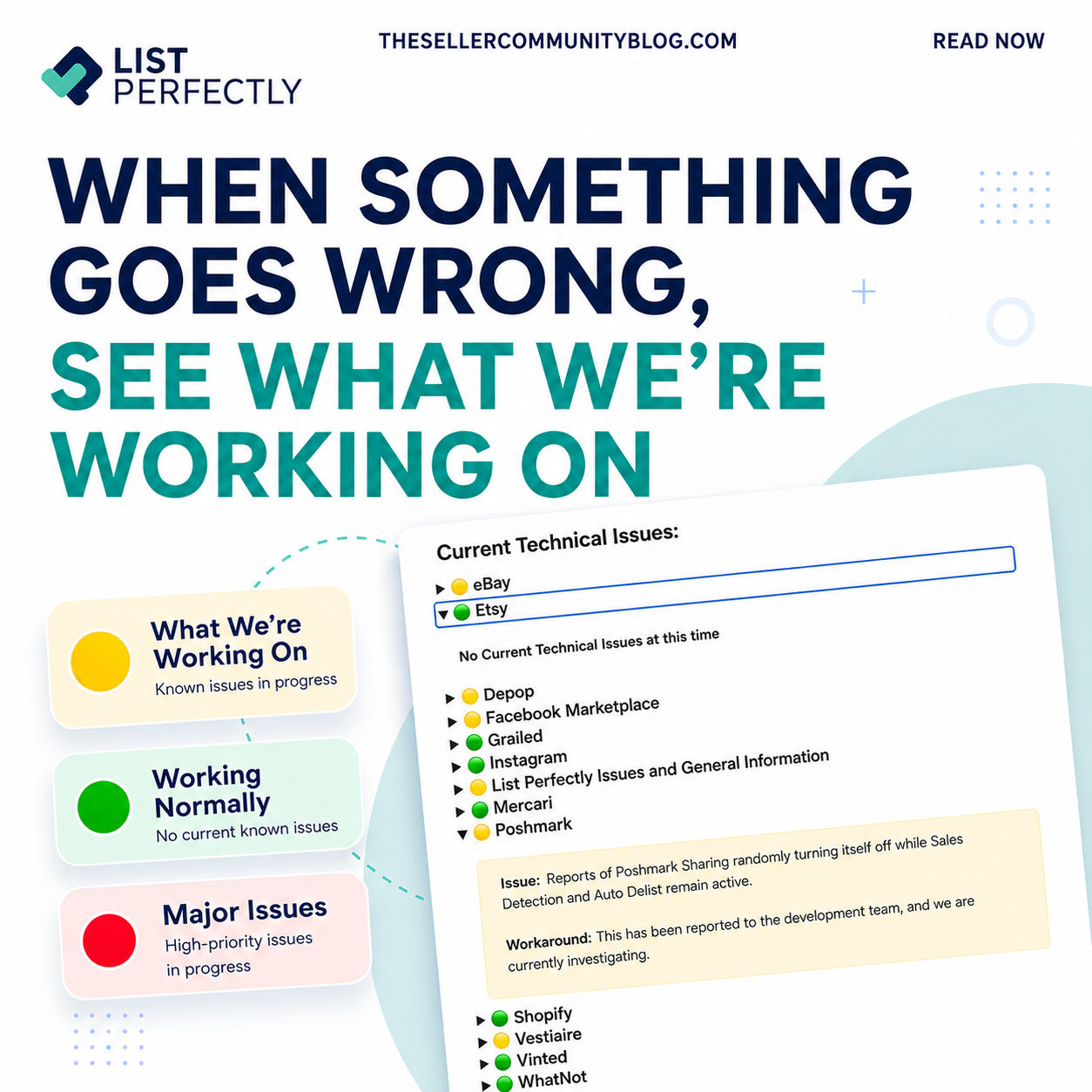

When something in List Perfectly is not working as expected, the cause may be a marketplace change, a technical issue our team has not identified yet, or a List Perfectly update.
List Perfectly Current Issues shows what the List Perfectly Tech team already knows about, including known technical issues, marketplace changes, available workarounds, recently resolved issues, and current status updates.
If you do not see what you are experiencing listed, or you are unsure what is happening, contact the List Perfectly Customer Support team so we can investigate.
Learn how to contact Customer Support:
How to Get Help in List Perfectly: 24/7 Human Support and Live Help
https://listperfectly.com/tips/how-to-get-help-in-list-perfectly/
What Is the List Perfectly Current Issues Page?
List Perfectly Current Issues is where we share technical issues that our team has identified in List Perfectly tools, workflows, and marketplace connections.
An issue can involve importing, crosslisting, Auto Delist, sharing tools, images, or another List Perfectly feature. These are only a few examples.
Marketplace updates can also cause temporary issues when using List Perfectly. A change made by a marketplace can affect importing, crosslisting, sharing, or another List Perfectly workflow.
Current Issues shows you what the List Perfectly Tech team has already identified, what is being investigated, and whether a workaround or update is available.
This is especially useful when you are trying to determine whether the issue you are seeing has already been reported or whether you should send a help request so our team can investigate something new.
What You’ll Find in List Perfectly Current Issues
The Current Issues page includes known technical issues, marketplace status information, available workarounds, current status updates, and recently resolved issues.
For an active issue, you can see information such as:
- The List Perfectly tool or marketplace affected
- A description of the issue
- A workaround when one is available
- Updates while the issue is being investigated
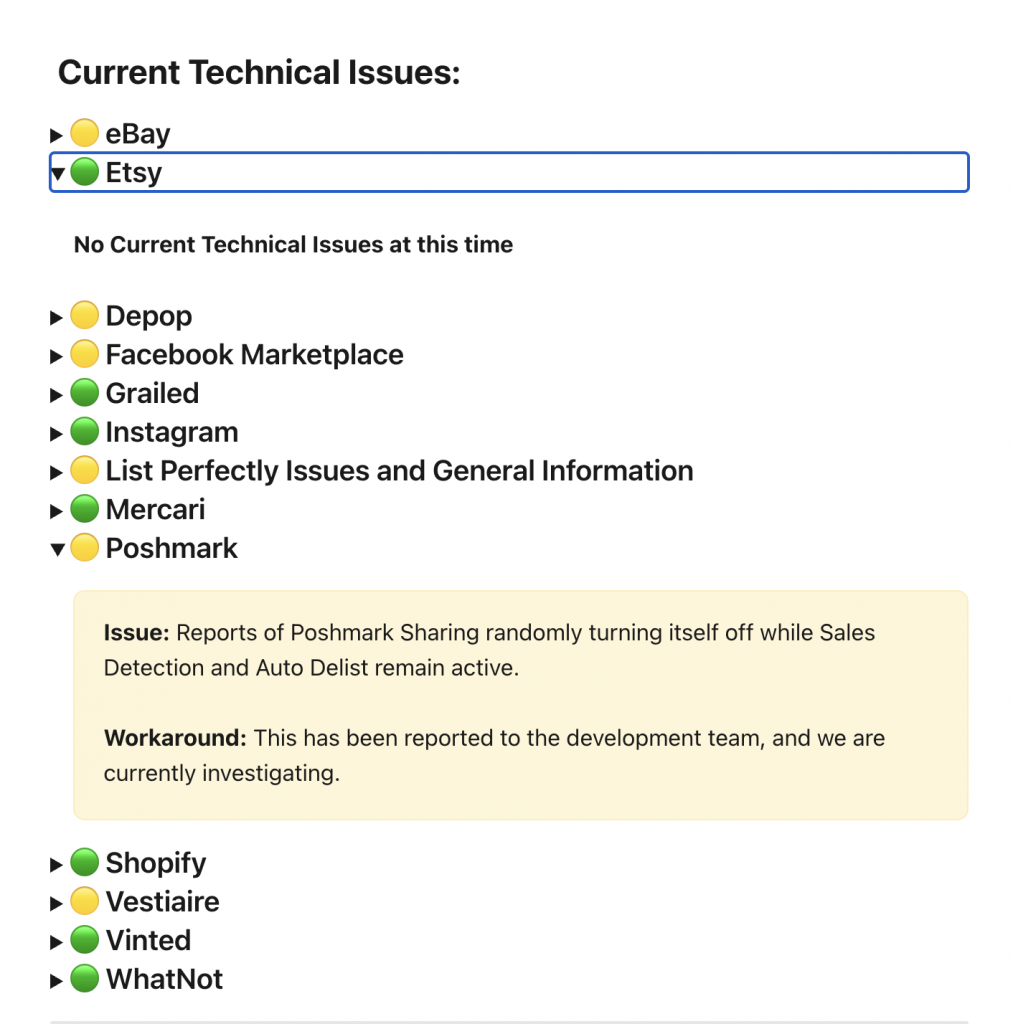
Current Issues also uses status indicators to make technical information easier to review.
- Green means there are no current technical issues reported
- Yellow identifies a known issue or bug
- Red identifies a major issue being addressed
- Other status colors can identify an issue happening on the marketplace side rather than within List Perfectly
Marketplace-side issues are important because they can affect importing, crosslisting, sharing, or other List Perfectly workflows even when the issue does not originate with List Perfectly.
The page also includes recently resolved technical issues from the last 30 days. These updates can show what was fixed, when it was resolved, and the List Perfectly extension version associated with the fix when applicable.
This gives members a way to see not only what the List Perfectly Tech team is currently investigating, but also what has recently been resolved.
The List Perfectly Tech team reviews and updates Current Issues at least once every business day. The last updated date and time are displayed on the page so you can see when the information was most recently reviewed.
How and When to Check List Perfectly Current Issues
We recommend checking Current Issues when you believe something in List Perfectly is not working as expected, especially before sending a help request.
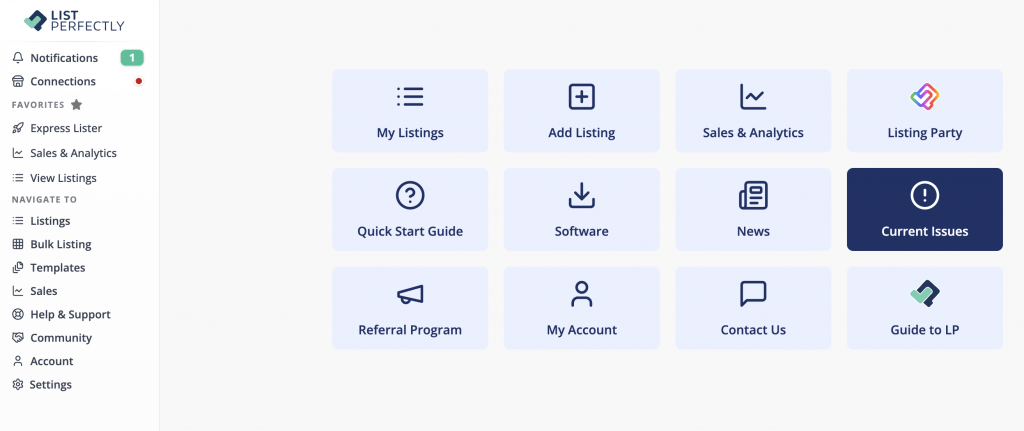
If you are logged in to List Perfectly, you can access Current Issues from the main menu.
You can also view Current Technical Issues in the List Perfectly Help Center:
Check List Perfectly Current Technical Issues
If the issue is already listed, review the latest status update and follow any workaround provided while the List Perfectly Tech team continues investigating or working on a fix.
If the issue is not listed, that does not mean there is no technical issue. It may be something the List Perfectly Tech team has not identified yet.
When in doubt, send a help request so the List Perfectly Customer Support team can investigate.
Checking Current Issues is recommended, not mandatory. You can contact Customer Support at any time if you need help or are unsure what you are experiencing.
Watch: How to Check List Perfectly Current Issues
For all the ways to contact List Perfectly Customer Support, including when you cannot log in, read:
How to Get Help in List Perfectly: 24/7 Human Support and Live Help
https://listperfectly.com/tips/how-to-get-help-in-list-perfectly/
List Perfectly Current Issues FAQs
What is List Perfectly Current Issues?
List Perfectly Current Issues shows known technical issues, marketplace changes, available workarounds, current status updates, and recently resolved issues that may affect List Perfectly members.
How often is List Perfectly Current Issues updated?
The List Perfectly Tech team reviews and updates Current Issues at least once every business day. The page displays the last updated date and time so you can see when the information was most recently reviewed.
What should I do if my issue is not listed in Current Issues?
If you do not see what you are experiencing listed, send a help request so the List Perfectly Customer Support team can investigate. An issue that is not listed may simply be something the Tech team has not identified yet.
How to Get Help in List Perfectly: 24/7 Human Support and Live Help
https://listperfectly.com/tips/how-to-get-help-in-list-perfectly/
Can a marketplace change cause a List Perfectly technical issue?
A marketplace change can temporarily affect how importing, crosslisting, sharing, or another List Perfectly workflow functions. Current Issues includes marketplace-side updates when they affect List Perfectly members.
Do I have to check Current Issues before contacting List Perfectly Customer Support?
No. Checking Current Issues is the recommended action when you believe something in List Perfectly is not working as expected, especially before opening a help request, because the issue or workaround may already be posted.
It is not mandatory. You can contact List Perfectly Customer Support whenever you need help.