
Managing a reseller inventory across multiple marketplaces often means repeating the same tasks over and over again. Updating details, adjusting prices, crosslisting items, and improving listing quality can quickly become time-consuming when working one listing at a time.
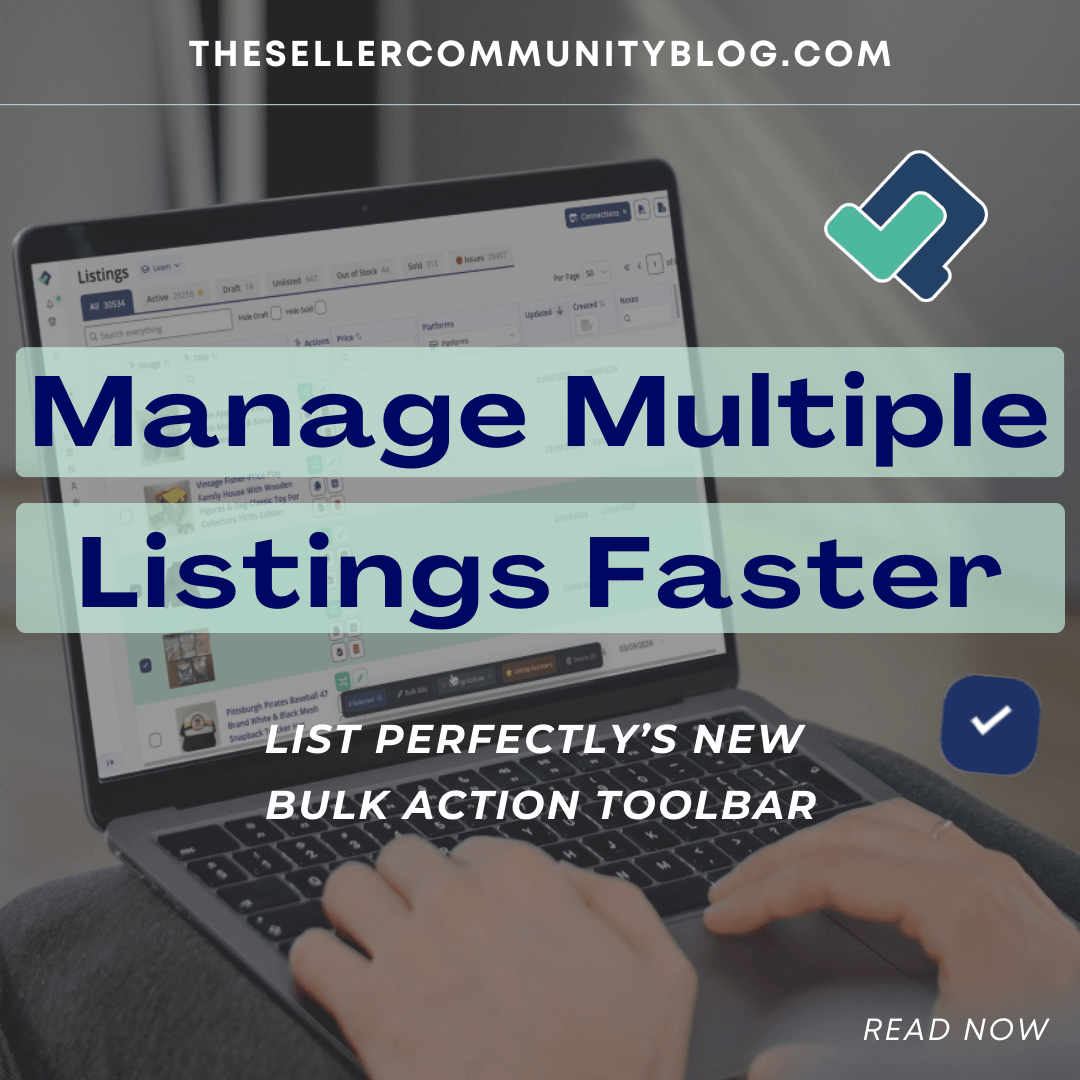
List Perfectly’s new Bulk Action Toolbar introduces a faster way to manage listings directly from the List Perfectly Catalog.
Instead of opening each listing individually, sellers can now select multiple listings and run actions across them all at once. This allows resellers to manage inventory more efficiently and apply updates across multiple listings without interrupting their workflow.
Watch the Demo
This short demo shows how the Bulk Action Toolbar allows you to select listings inside your catalog and run multiple actions across them in seconds.
https://www.youtube.com/watch?v=8OiPw3sFa9g
In the video you’ll see how resellers can select listings, run listing actions, and generate listing details using Listing Assistant directly from the catalog.
What the Bulk Action Toolbar Does
The Bulk Action Toolbar appears automatically when you select listings inside your List Perfectly Catalog.
Once listings are selected, the toolbar allows you to perform actions across those listings without opening each listing individually.
With the Bulk Action Toolbar you can:
- Select multiple listings at once
- Edit listing details across several listings
- Run listing actions such as crosslisting or ending listings
- Generate listing details using Listing Assistant
This workflow allows resellers to manage larger catalogs more efficiently while maintaining listing consistency across marketplaces.

How the Bulk Action Toolbar Works
The workflow is designed to fit naturally into how resellers already manage inventory.
Select Listings in Your Catalog
Open your List Perfectly Catalog and select listings using the checkbox next to each item.
Once a listing is selected, the Bulk Action Toolbar appears automatically. As you continue selecting listings, the toolbar displays the total number of selected items.
Apply Bulk Edits
The Bulk Edit option allows you to update listing details across multiple listings at once.
You can update information such as:
- Title
- Price
- Description
- Item specifics
- Other listing details
Instead of repeating the same edits across individual listings, you can apply the change once across all selected listings.
Run Listing Actions
The Bulk Action Toolbar also allows you to run listing actions quickly from the catalog.
Examples include:
- Crosslisting listings to additional marketplaces
- Running listing tools
- Managing listing settings
This allows resellers to perform common listing workflows directly from the catalog without opening individual listings.
Generate Listings with Listing Assistant
The Bulk Action Toolbar also works with Listing Assistant, allowing sellers to generate listings automatically.
Listing Assistant can analyze:
- Listing images
- Existing listing titles
Based on that information, it can generate listing details such as titles, descriptions, and item specifics.
This allows sellers to improve listing quality across multiple listings quickly.

Which Plans Include the Bulk Action Toolbar
The Bulk Action Toolbar is available on:
- Business Plan
- Pro Plan
- Pro Plus Plan
The Simple Plan does not include bulk actions, but it still includes core listing tools.
List Perfectly has also kept the same plan pricing since launching in 2019, while continuing to introduce new tools and improvements designed to help resellers manage inventory and scale their businesses.
Additional Tools That Help Resellers Manage Listings Faster
The Bulk Action Toolbar works alongside other List Perfectly tools designed to help sellers manage listings efficiently.
You may also want to explore additional reseller workflow guides on the List Perfectly blog:
https://listperfectly.com/blog/
These resources cover listing optimization, crosslisting strategies, and inventory management techniques used by experienced resellers.
External Resources for Listing Optimization
Understanding how marketplaces evaluate listings can help sellers improve visibility and performance.
Helpful resources include:
eBay Seller Center
https://www.ebay.com/sellercenter
Google Merchant Center listing guidance
https://support.google.com/merchants
These guides provide additional insights into how product listings perform in search results and how sellers can improve listing quality.
Frequently Asked Questions About the List Perfectly Bulk Action Toolbar
What is the Bulk Action Toolbar in List Perfectly?
The Bulk Action Toolbar is a feature inside the List Perfectly Catalog that allows resellers to select multiple listings and perform actions across them at once. This includes editing listing details, running listing actions such as crosslisting, and generating listing details using Listing Assistant.
Instead of opening listings individually, sellers can manage multiple listings directly from the catalog view.
Which List Perfectly plans include Bulk Actions?
The Bulk Action Toolbar is available on:
- Business Plan
- Pro Plan
- Pro Plus Plan
The Simple Plan does not include bulk actions, but it still provides access to core listing tools such as Listing Assistant and listing creation.
Can you edit multiple listings at once in List Perfectly?
Yes. Using the Bulk Edit option inside the Bulk Action Toolbar, you can update listing details across multiple listings at once. This can include updates to titles, descriptions, item specifics, and other listing details.
This allows resellers to apply updates efficiently without repeating the same changes across individual listings.
Can Listing Assistant run on multiple listings?
Yes. The Bulk Action Toolbar allows you to run Listing Assistant on multiple listings simultaneously. Listing Assistant can analyze listing images or existing titles and generate listing details such as titles, descriptions, and item specifics.
This helps improve listing quality across multiple listings quickly.
How does the Bulk Action Toolbar help manage inventory?
The Bulk Action Toolbar helps resellers manage inventory more efficiently by allowing actions to be performed across multiple listings at once. Instead of opening listings individually, sellers can select listings in the catalog and apply edits, run listing actions, or generate listing details in a single workflow.
This is especially useful for resellers managing large inventories across multiple marketplaces.
Final Thoughts
As reseller inventories grow, managing listings efficiently becomes just as important as creating them.
The List Perfectly Bulk Action Toolbar provides a faster way to manage multiple listings directly from the catalog, helping sellers apply edits, run listing actions, and generate listing details without repeating the same steps across individual listings.
For resellers managing inventory across multiple marketplaces, tools like this can make everyday listing workflows significantly more efficient.