
Published November 12, 2026 · 4 minute read
The slowdown starts when resellers have to rename files, regroup photos, or change the way they photograph inventory just to fit a listing workflow. List Perfectly AI Sequential Mode removes that extra prep. Resellers can choose the photos for each listing as they go, and List Perfectly AI creates the listings around the way they already photograph and manage their inventory.
Try List Perfectly risk-free: Get 100 free listings and a money-back guarantee. Use code LP30 at checkout for 30% off your first month on any plan.
Choose the Photos Each Listing Needs as You Go
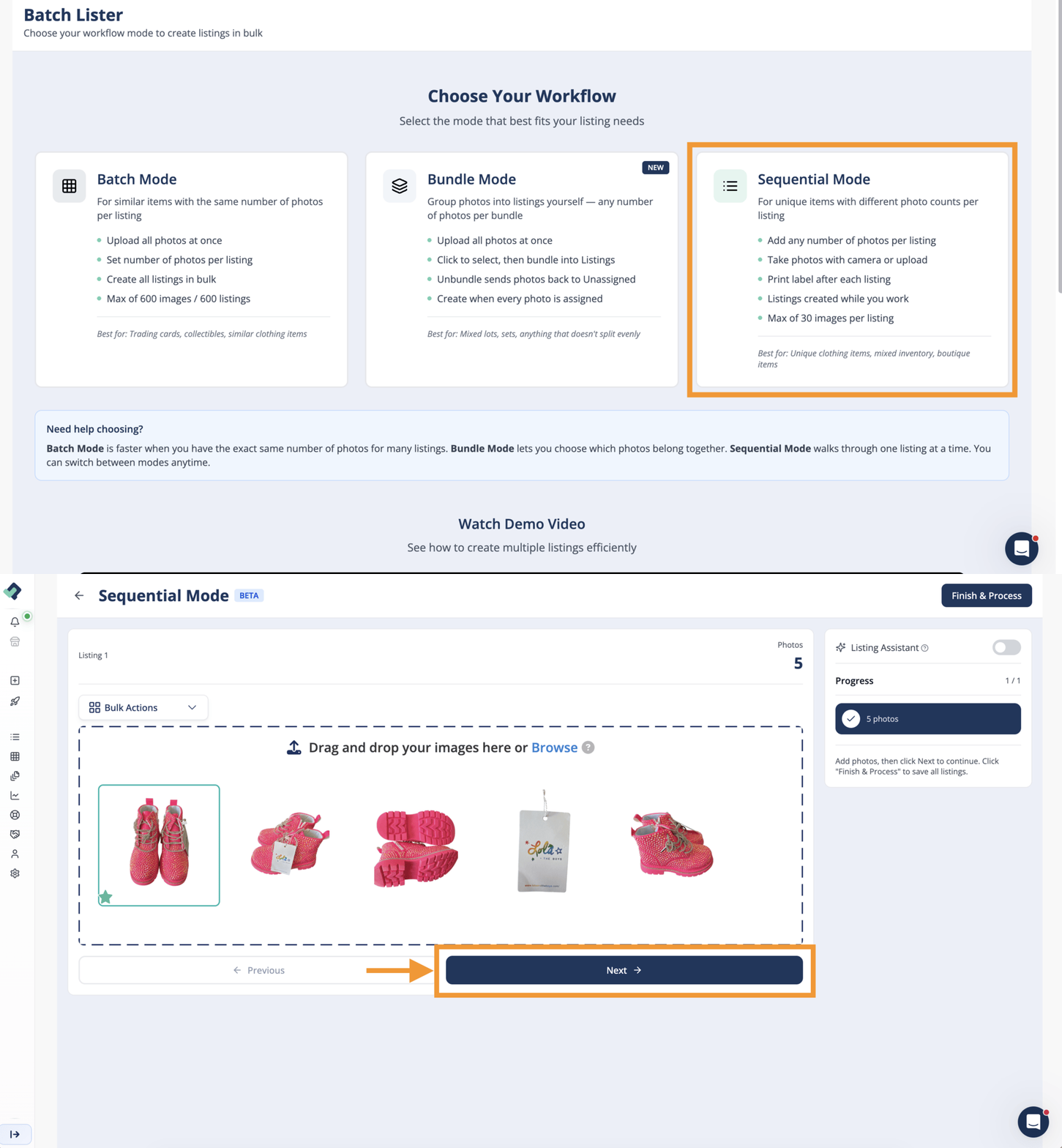
List Perfectly AI Sequential Mode gives resellers control over how many photos each listing uses within the same larger AI listing session.
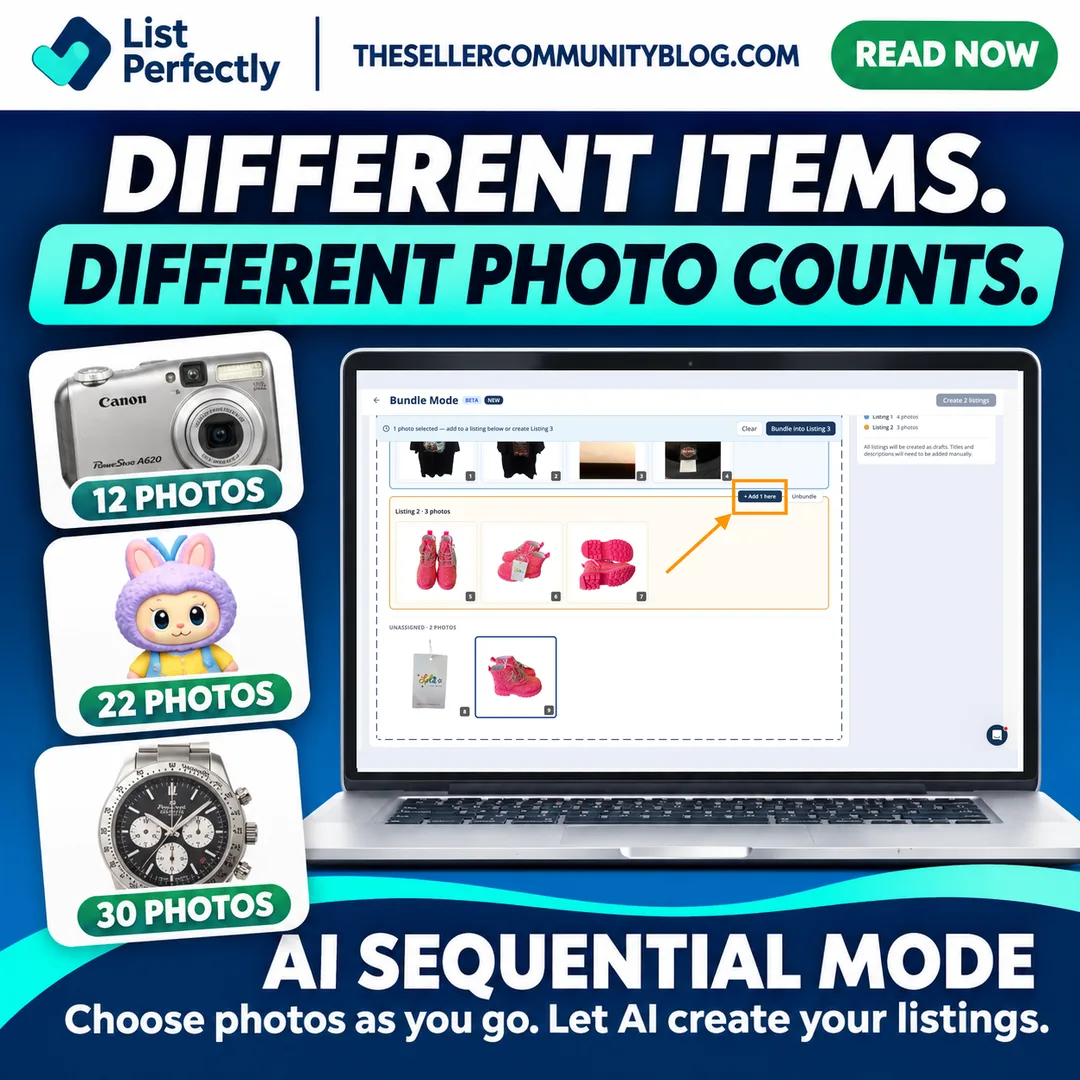
One listing may need 4 photos, another 10, and another 18. The reseller selects the photos that belong to each listing, and List Perfectly AI creates the listing before continuing to the next.
There is no fixed photo count that every item has to follow. Even resellers selling similar inventory may photograph items differently depending on condition, details, packaging, or what buyers need to see.
Sequential Mode gives resellers that flexibility while List Perfectly AI handles the repetitive work of creating the listings.
Keep Your Mobile Listing Workflow Simple With Sequential Mode
List Perfectly AI Sequential Mode is especially useful for resellers who photograph and list from an iPhone, Android phone, iPad, or tablet.
Working from a mobile device makes it convenient to photograph inventory wherever the items are, but renaming image files or reorganizing large groups of photos can add unnecessary steps. Sequential Mode lets resellers select the photos needed for each listing as they go while List Perfectly AI creates the listings one after another.
Each listing can still use a different number of photos, so the reseller does not have to change the way they photograph inventory just to fit the listing workflow.

With List Perfectly Mobile, resellers can keep more of the photo and listing process on the device they already use while AI handles the repetitive work of creating the listings.
Frequently Asked Questions About List Perfectly AI Sequential Mode
If the AI allowance included with your current membership is no longer enough for your listing volume, you can upgrade based on your business needs. Pro Plus members can move to Tier 2 or Tier 3 for a higher Listing Assistant AI allowance.
Review current plans and AI allowances on the List Perfectly Pricing page.
Yes. Resellers are not locked into one AI Bulk Listing mode. You can use Sequential, Batch, or Bundle Mode depending on the inventory and photo workflow that fits a particular listing session.
For an overview of all three options, read Create Large Groups of Listings With List Perfectly AI: Batch, Bundle, and Sequential Modes.
Batch Mode may be the better fit. Batch Mode is designed for photo sessions where each item uses the same number of photos, allowing List Perfectly to automatically separate the images into equal sets.
No. Sequential Mode uses Listing Assistant AI, so listings created with Sequential Mode count toward the monthly AI allowance included with your List Perfectly membership.
No. Batch, Bundle, and Sequential are AI Bulk Listing modes and are not available on the Simple plan. The Simple plan creates AI listings one at a time.