
Not every reseller wants to join a live session or ask someone for help right away when learning new software. Some prefer to read instructions, watch videos, try things themselves, and come back when they have time.
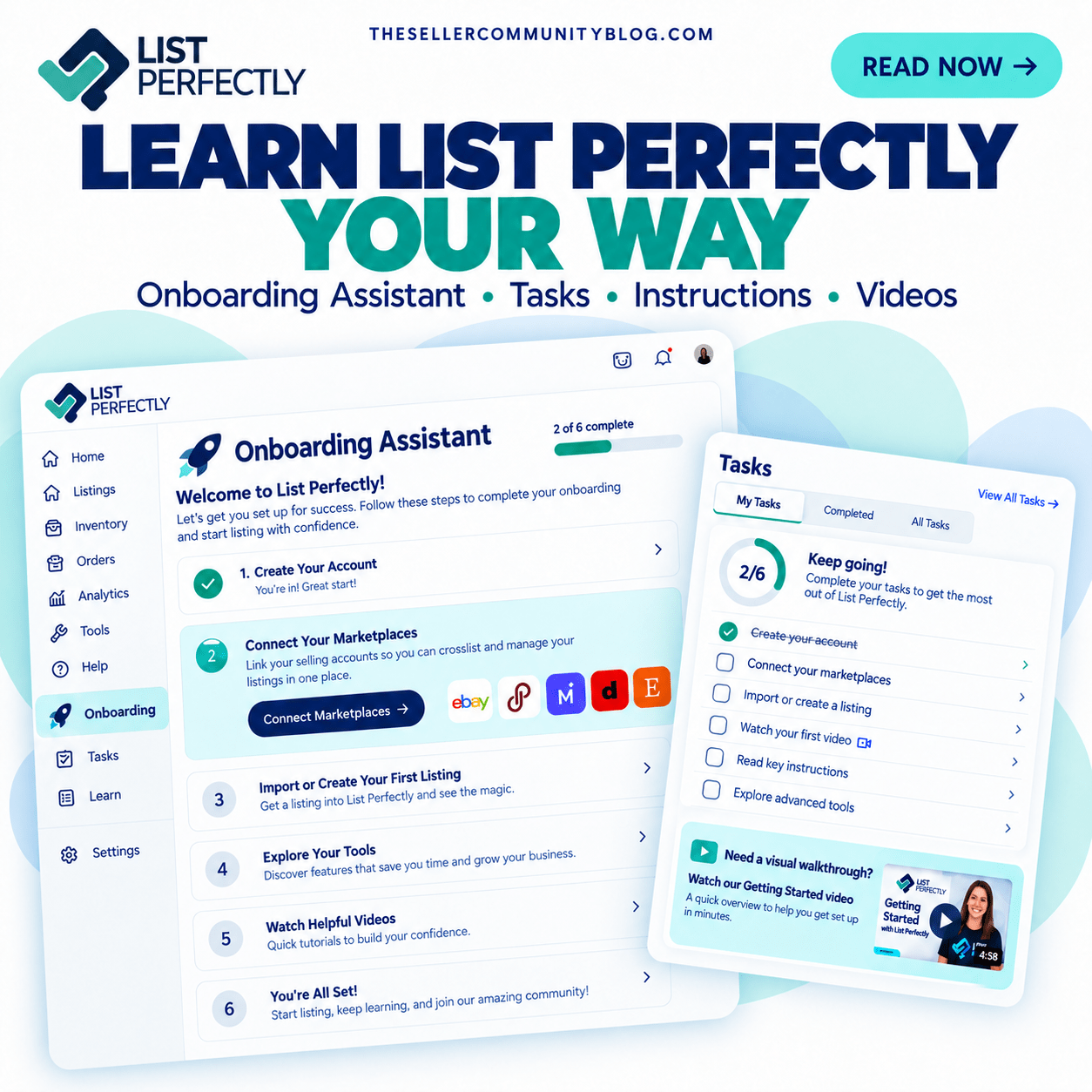
The List Perfectly Onboarding Assistant gives new members a way to learn List Perfectly independently, with guidance available while they use the software.
If you want the broader overview of what new members can do first, read What to Do First After Signing Up for List Perfectly. This article focuses specifically on the Onboarding Assistant for resellers who prefer to learn on their own.
Get Help Learning List Perfectly While You Use It
The List Perfectly Onboarding Assistant helps members learn List Perfectly while they are actually using it instead of requiring them to learn everything before they begin.
The Onboarding Assistant uses prompts to guide new members to learning resources as questions come up. It is available 24/7/365, so members can learn List Perfectly whenever it works for their schedule. There is no need to wait for a live session to start learning List Perfectly.
Members can also keep learning with List Perfectly Mobile, and Listing Party can also be accessed from List Perfectly Mobile.
Use Tasks to See What You Still Need to Learn in List Perfectly
Tasks helps members see what they still need to learn in List Perfectly and makes it easier to continue learning without losing track of where they are.
Instead of trying to remember what they already covered, members can use Tasks to see their next learning steps and return to unfinished onboarding steps later. That is especially useful for resellers who want to learn at their own pace and come back when they have more time.
Tasks is one part of learning List Perfectly and works alongside the Onboarding Assistant.
Watch the Tasks video here:
Learn From List Perfectly Instructions and Videos When You Need Them
Some resellers prefer to read instructions or watch a video on their own time, when they are ready to learn a specific part of List Perfectly. The Onboarding Assistant works well for that learning style.
Members can use List Perfectly instructions and videos as questions come up instead of trying to learn too much too fast. A reseller can read instructions, watch demo videos, try new features, and come back to the resource later when needed.
List Perfectly shows members instructions for the plan they have, so they can focus on learning the tools included with their plan.
These learning resources are available from the beginning of a List Perfectly membership, including while a new customer is covered by the 5 days or 100 listings, whichever comes first, money-back guarantee.
For more ways to find help articles, Tasks, and support resources, read How to Get Help in List Perfectly.

Prefer Help From Team List Perfectly? Get Live Onboarding and Customer Support
Learning List Perfectly on your own does not mean that is your only option.
If you decide later that you would rather learn with help from Team List Perfectly, you can join live group onboarding and use List Perfectly’s 24/7/365 human Customer Support.
Live onboarding takes place during Customer Support 411 and gives new members a place to ask questions, see demonstrations, and get help as they begin using List Perfectly.
Watch how live onboarding works here:
Members who prefer to keep learning on their own can continue using the Onboarding Assistant, Tasks, instructions, and videos as often as needed. Members who prefer help from a person can use live onboarding and Customer Support when they need it.
Frequently Asked Questions
Can resellers learn List Perfectly on their own?
Yes. The List Perfectly Onboarding Assistant gives members guidance while they use List Perfectly. Members can also use Tasks, instructions, demo videos, and other learning resources on their own time.
What does the List Perfectly Onboarding Assistant do?
The Onboarding Assistant uses prompts and learning resources to help members learn List Perfectly while they are using the software.
What are Tasks in List Perfectly?
Tasks helps members see what they still need to learn and return to unfinished onboarding steps later. Tasks works alongside the Onboarding Assistant and other List Perfectly learning resources.
Do List Perfectly members see instructions for features outside their plan?
Members see instructions for the List Perfectly plan they have, helping them focus on the tools included with their plan.
Can List Perfectly members get live help instead?
Yes. Members who prefer help from Team List Perfectly can use live group onboarding and 24/7/365 human Customer Support.