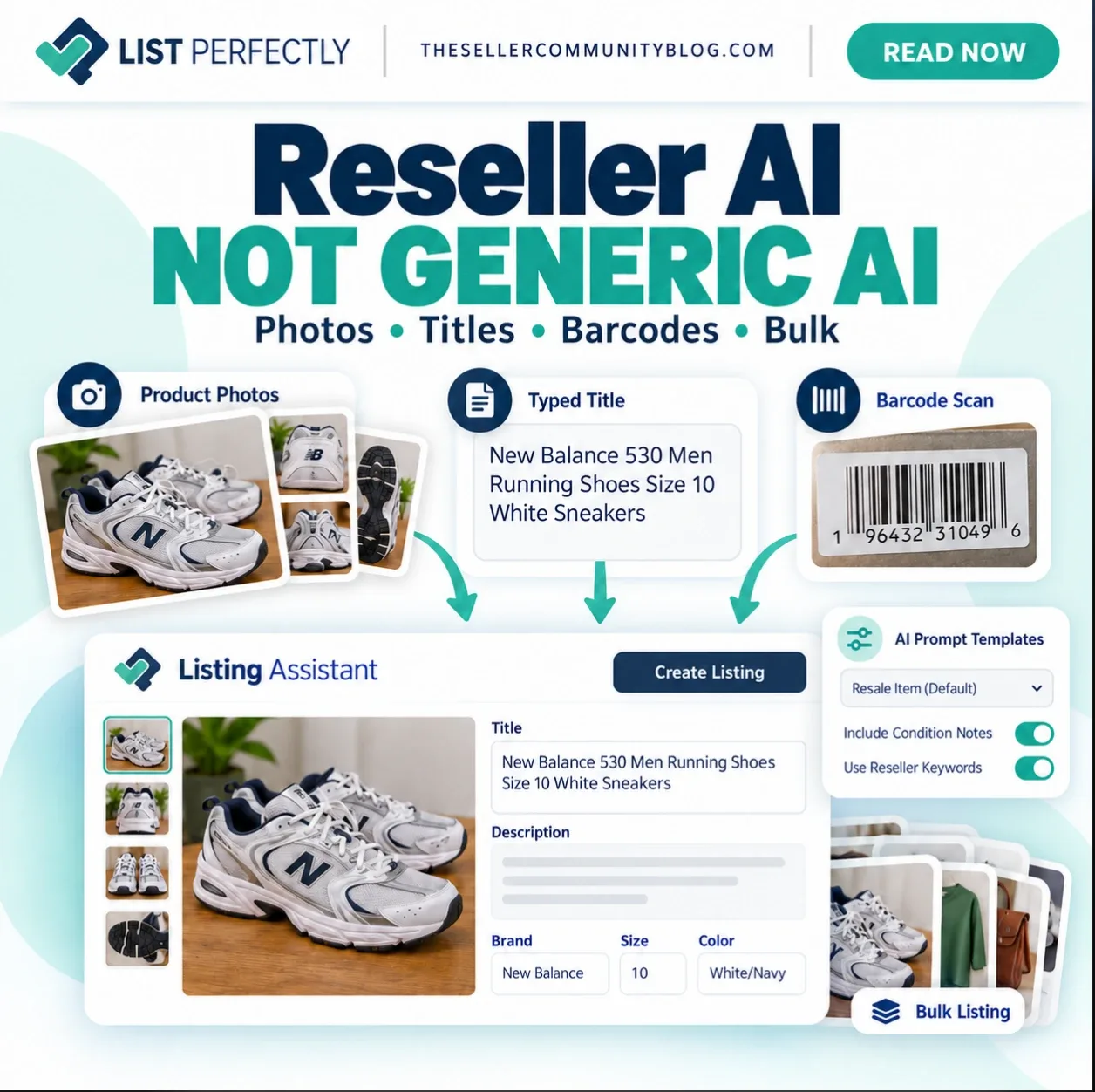
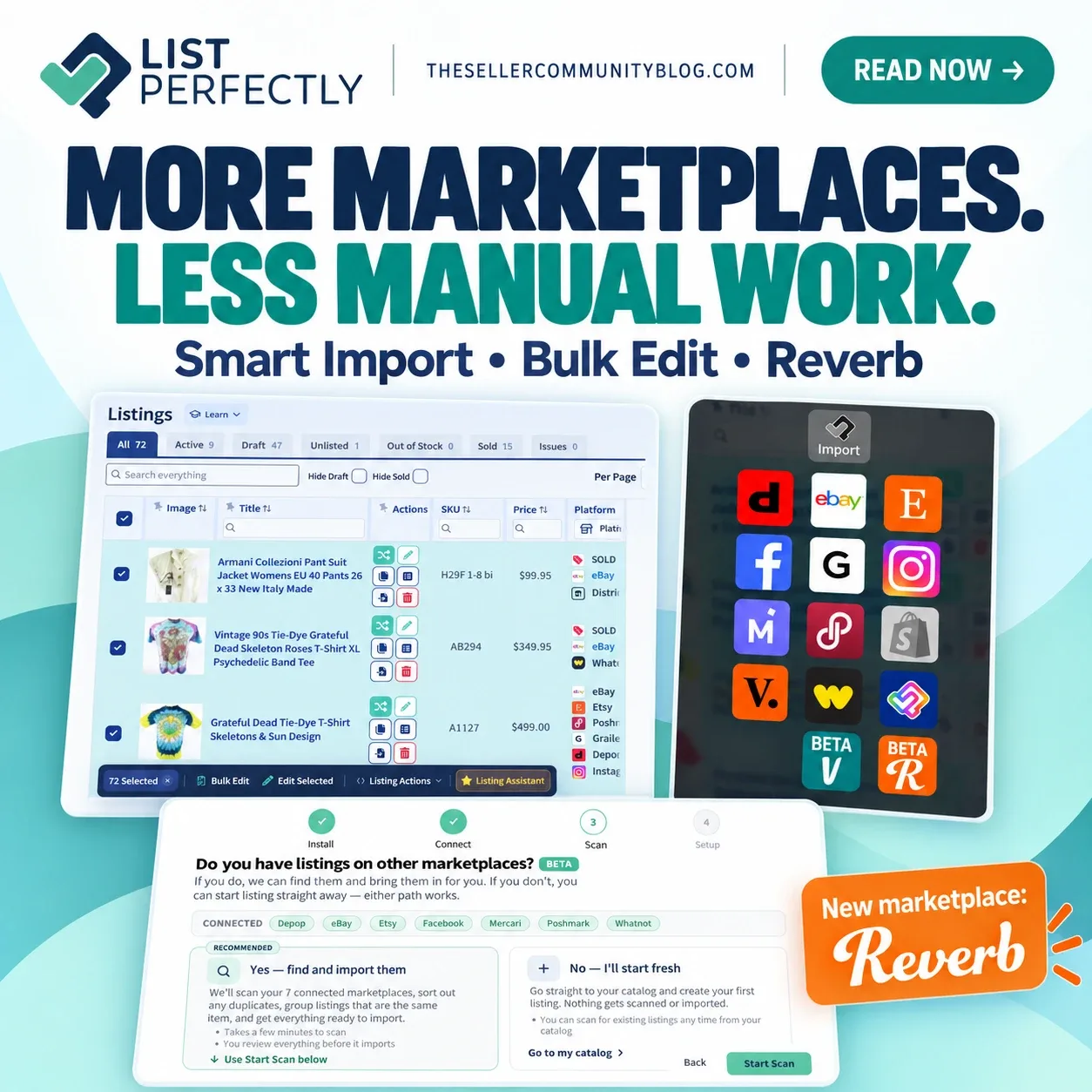

List Perfectly Q4 2026 updates bring a new marketplace, new AI tools, more bulk actions, Smart Import, and a faster Catalog with more tools for managing inventory.
Listings can now be updated without opening tabs. Importing and creating listings already work without marketplace tabs opening, and List Perfectly is moving more tools in that direction while still giving resellers the option to leave tabs open.
And all of these improvements come with no List Perfectly price increase since 2019.
Want to see the List Perfectly Q4 2026 updates in action? Patrick and Trish walk through the newest List Perfectly tools, show what changed on screen, and answer reseller questions in the full quarterly session.
Watch List Perfectly Quarterly: What’s New, What’s Next with Patrick on YouTube
Update Listings Without Opening Tabs
List Perfectly’s Update tool can now send changes to linked marketplace listings without opening a tab for each update.
Supported fields include:
- Price
- Quantity
- Title
- Images
- Description
- SKU
- Condition
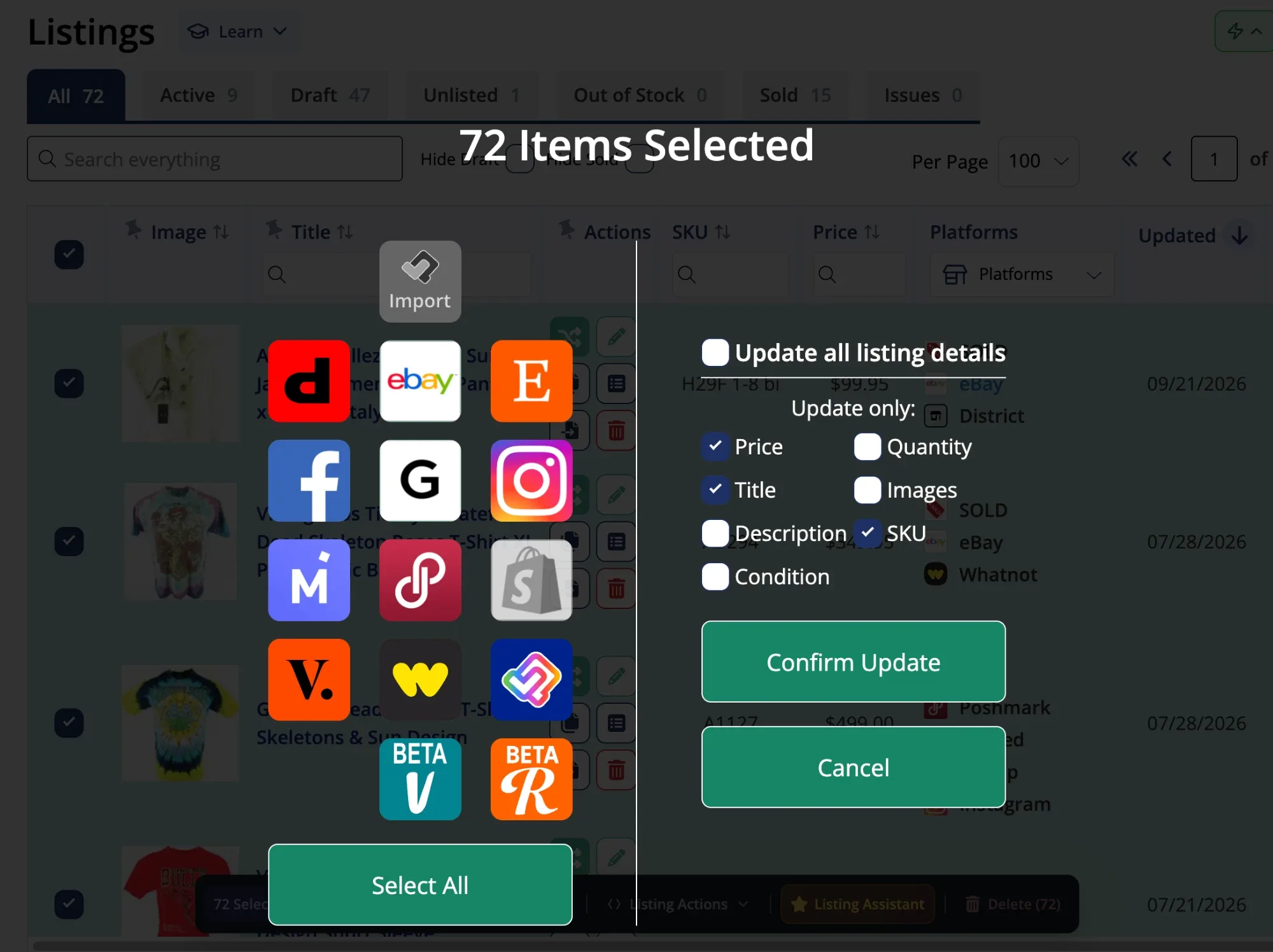
Updates can be made individually or in bulk.
Resellers who prefer visible marketplace tabs can keep tabs open through their settings.
Tip
Editing a listing in the List Perfectly Catalog and using Update are different actions. Catalog edits change the information stored in List Perfectly. Update sends supported changes to linked marketplace listings.
New Marketplace: Crosslist to and From Reverb
Reverb is now supported in List Perfectly.
Resellers can crosslist to Reverb from the List Perfectly Catalog or directly from another supported marketplace. Reverb listings can also be brought into List Perfectly and crosslisted to other supported marketplaces.
There is no separate List Perfectly fee for Reverb and no List Perfectly price increase tied to the addition.
For what sells on Reverb, fees, photo requirements, prohibited items, and the different ways to crosslist existing inventory, read:
Import and Match Listings Automatically With List Perfectly Smart Import
Smart Import is built for resellers who already have inventory listed across multiple marketplaces.
Smart Import scans connected marketplaces, collects live listings, and automatically matches listings that represent the same item.
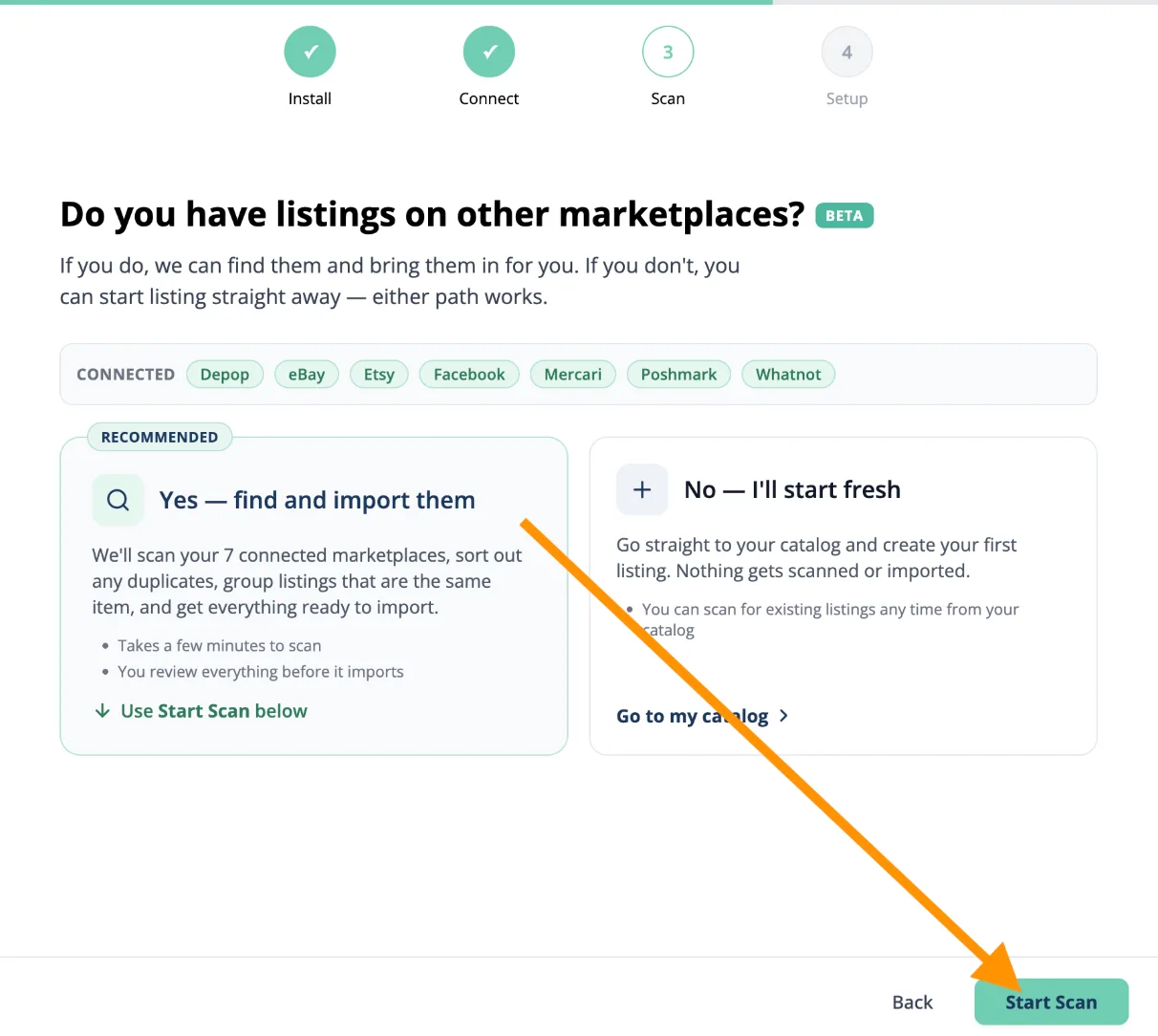
When listings are too close for a confident match, Smart Import asks the reseller to choose.
Smart Import can also flag possible duplicate listings on the same marketplace. A shirt listed on eBay and Poshmark is the same item across two marketplaces. Two listings for the same shirt on eBay may be a duplicate.
Once matching is complete, listings can be imported into the List Perfectly Catalog with matching marketplace listings connected to the same Catalog item.
For resellers with large existing inventories, Smart Import removes much of the manual work involved in importing and matching listings.
A New, Faster List Perfectly Catalog With More Filters and Custom Views
The List Perfectly Catalog has a refreshed interface, faster performance, more filters, and more tools for managing inventory.
Resellers can:
- Choose Grid View or List View
- Display 10, 25, 50, or 100 listings per page
- Choose which columns appear
- Reorder and resize columns
- Pin supported columns
- Sort listing data
- Use text, dropdown, and date filters
- Narrow inventory using status tabs including Active, Draft, Unlisted, and Sold
The new Catalog makes it easier to find the listings that need attention and work with larger amounts of inventory without searching through one fixed view.
For the complete walkthrough of Catalog views, filters, columns, sorting, and customization, read:
Bulk Edit Hundreds of Listings in Seconds With the New Bulk Action Toolbar
The Bulk Action Toolbar gives resellers a faster way to work with groups of Catalog listings.
Select the listings you want to change and the toolbar appears. Bulk Edit can then apply the same change across selected listings instead of opening every listing individually.
Current Bulk Edit fields include:
- Price
- Brand
- Quantity
- Keywords
- Notes
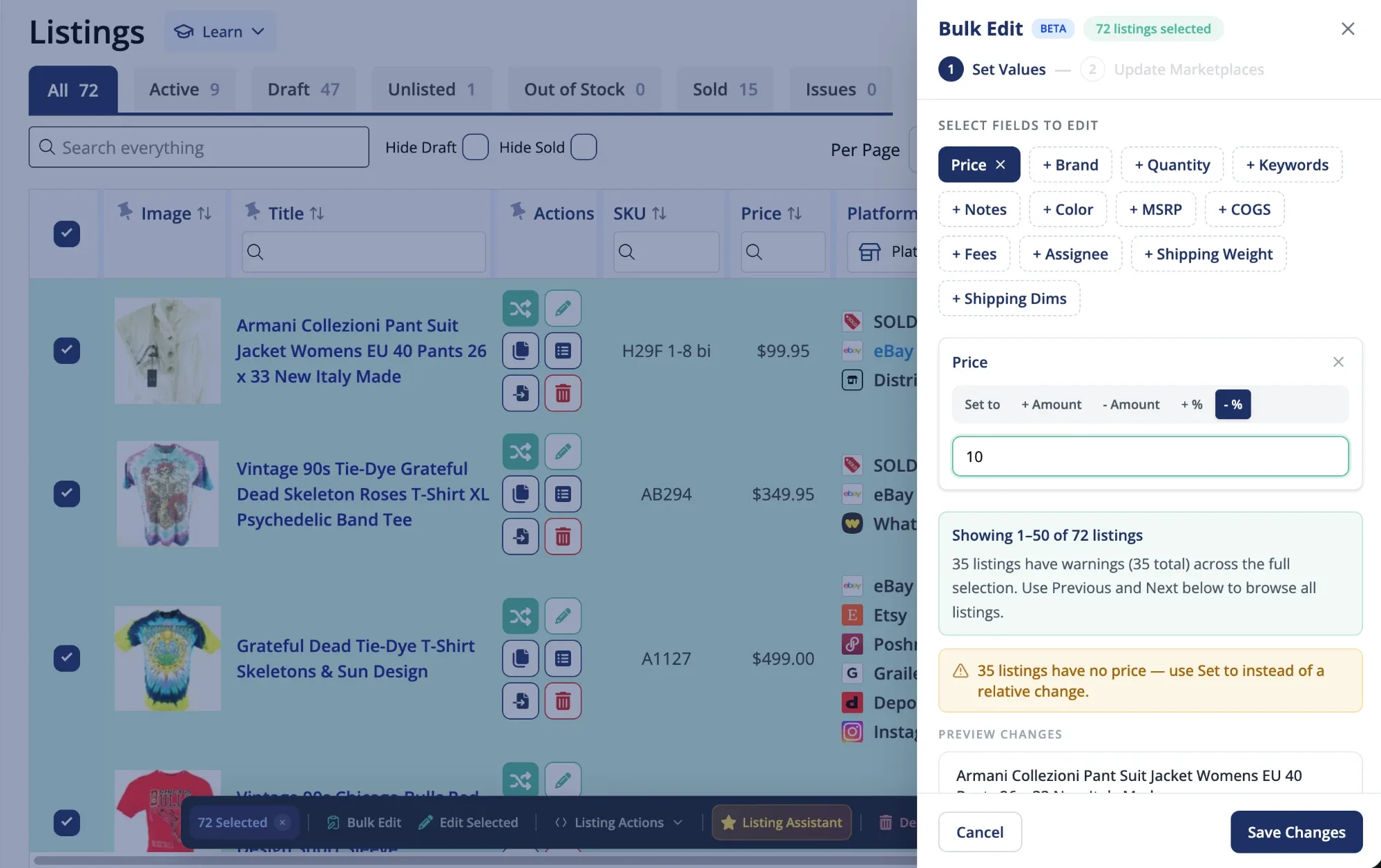
Prices can also be increased or reduced by an amount or percentage. Before saving, List Perfectly shows a preview so the changes can be reviewed first.
Tip
Bulk Edit and Quick Edit are different. Bulk Edit applies the same change across selected listings. Quick Edit is used when listings need different changes.
The Bulk Action Toolbar also provides access to Listing Actions, including crosslisting and other Catalog tools.
For a closer look at the toolbar, read:
Create and Improve Listings With New List Perfectly AI Tools
List Perfectly Listing Assistant can create ready-to-edit listings from photos, a detailed product title, or a UPC/barcode.
Q4 adds more AI options for creating and improving listings, including advanced AI descriptions for complex items.
Resellers can also control how Listing Assistant writes with Prompt Templates. Instructions can cover:
- Title rules
- Colors
- Materials
- Size formatting
- Brands
- Description structure
- Keywords
- Condition notes
That control helps resellers create more relevant, optimized, high-quality listings without forcing every item into the same generic AI format.
Listing Assistant can also work with existing Catalog listings and bulk tools, so AI is not limited to brand-new inventory.
For more about controlling how Listing Assistant writes listings, read:
Frequently Asked Questions About List Perfectly Q4 2026 Updates
Yes. Reverb is available with every List Perfectly plan, including Simple, and crosslisting to and from Reverb is unlimited. There is no separate List Perfectly fee for adding Reverb.
Yes. Update can now send changes to marketplace listings without opening marketplace tabs. This setting is optional, so resellers can choose whether they want tabs to open.
No. Crosslisting still opens the destination marketplace listing form so the reseller can review marketplace-specific information and publish the listing.
No. The Bulk Action Toolbar is available on Business, Pro, and Pro Plus plans.
Yes. Listing Assistant is available on every List Perfectly plan, including Simple. Monthly usage limits vary by plan.
No separate add-on is required. Listing Assistant is included with List Perfectly plans, with usage limits based on the plan.
Yes. Pro Plus members can use Prompt Templates to guide how Listing Assistant handles titles, colors, materials, sizes, brands, descriptions, keywords, condition notes, and other listing information.